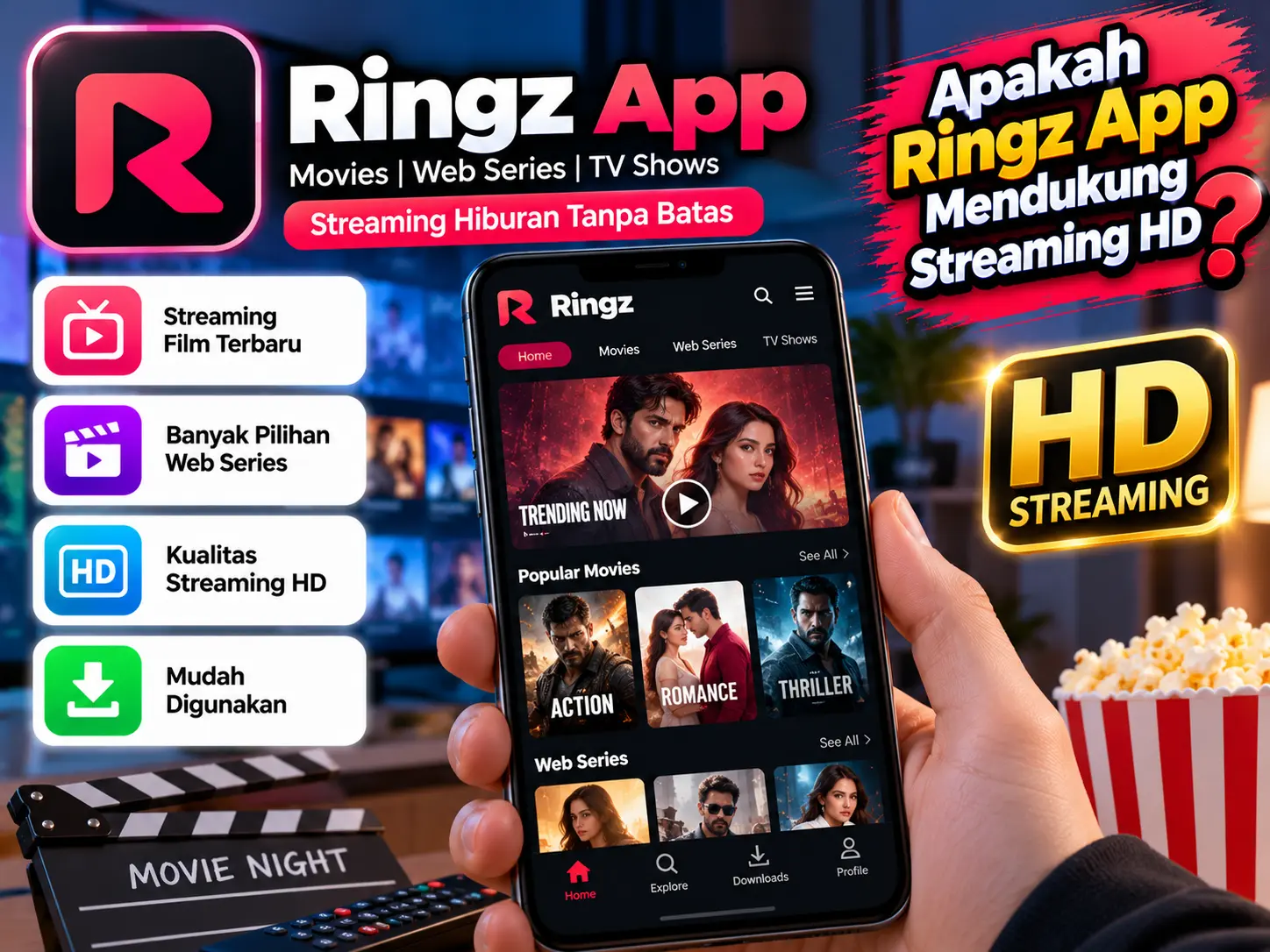
Yes, some versions and listings of the Ringz App advertise HD streaming, allowing users to watch movies and TV shows with clearer visuals than standard-definition playback. However, the actual video quality may vary depending on the app version, the content available, your internet connection, and the capabilities of your device.
For example, an APK listing for Ringz describes adjustable HD playback, while other websites associated with the name Ringz make different claims about supported quality. These claims should not be treated as a guarantee that every title is available in HD or Full HD.
If you are new to the app, this guide explains what HD streaming means, how to check video quality, what internet speed you may need, and how to troubleshoot buffering or blurry playback.
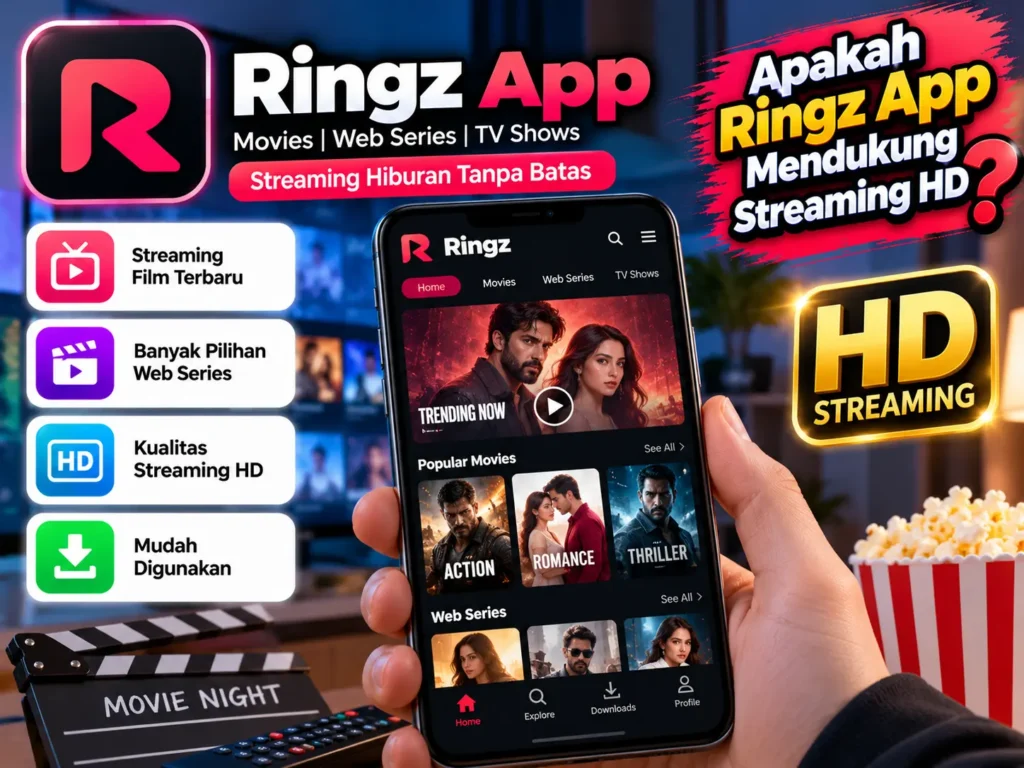
What Is HD Streaming in the Ringz App?
HD stands for High Definition. It refers to video resolutions that provide more detail than traditional standard-definition video.
Common streaming resolutions include:
- 480p: Often considered standard definition or enhanced standard definition.
- 720p: Commonly known as HD.
- 1080p: Known as Full HD.
- 4K: Ultra-high-definition video with substantially more detail, when supported.
The Ringz APK listing describes HD playback and adjustable video quality, but the resolutions available may depend on the version and specific video.
Why Does HD Quality Matter?
HD video can make details easier to see, especially on larger phone screens, tablets, and compatible televisions. It can improve the viewing experience for movies, animation, and other visually detailed content.
However, higher resolution usually requires more bandwidth and can consume more mobile data. Choosing the highest quality is not always the best option if your internet connection is slow or your data plan is limited.
How to Check HD Streaming Quality in the Ringz App
If your installed version provides video-quality controls, follow these steps to check the available options.
Open the App and Choose a Video
Launch the Ringz App and select a title you want to watch. Start playback and wait for the video to load.
Look for the Quality Settings
Check the player for a gear icon, a quality menu, or a resolution option. Depending on the version, you may see settings such as Auto, 480p, 720p, or 1080p.
Not every version will display the same options. If the quality menu is missing, the app may manage playback automatically or the selected video may have limited resolution options.
Select a Suitable Resolution
If 720p or 1080p is available, select the resolution you want to try. Allow a few moments for the player to adjust.
If the video begins buffering repeatedly, switch to a lower resolution. A stable 720p stream can provide a better experience than a 1080p stream that pauses every few seconds.
What Internet Speed Is Needed for HD Streaming?
Your internet speed plays an important role in video quality. As a general guideline, many streaming services recommend approximately 5 Mbps for HD video and around 5–8 Mbps or more for Full HD, depending on compression and other factors.
These figures are general estimates, not official Ringz requirements. Actual needs vary with the video, streaming server, network congestion, and other devices using your connection.
Wi-Fi vs. Mobile Data
Wi-Fi is often a convenient choice for watching longer videos because it can avoid mobile-data charges. However, a weak Wi-Fi signal can still cause buffering.
Mobile data can also support HD playback if the signal is strong and the connection is fast enough. Check your data allowance before streaming at high resolutions, especially when watching for extended periods.
Why Is the Ringz App Not Playing in HD?
Even if a version advertises HD streaming, you may not always see high-resolution playback. Several factors can affect the result.
The Video Is Only Available in Lower Quality
Not every title is necessarily available in HD. If the source video is low resolution, selecting a higher setting cannot restore details that are missing from the original.
Your Internet Connection Is Unstable
Slow speeds, network congestion, and weak signals can cause playback interruptions. Try moving closer to your router or switching between Wi-Fi and mobile data to compare performance.
The App Version Has Different Features
Different builds may offer different players, settings, or content sources. If a quality option is missing, check the version information and available documentation rather than assuming that all releases support the same resolutions.
Temporary Playback Problems
Restarting the app, reconnecting to the internet, or restarting your device may help resolve temporary glitches. Avoid downloading unofficial modified versions simply to unlock advertised features.
Tips for Getting Better Streaming Quality
You can improve your viewing experience with a few simple adjustments:
- Use a reliable Wi-Fi connection or strong mobile-data signal.
- Close background downloads and apps that use significant bandwidth.
- Choose a resolution that matches your connection speed.
- Keep your device and app updated when legitimate updates are available.
- Avoid unofficial APK sources that may distribute altered or unsafe files.
Before installing the Ringz App, verify the source and review the permissions it requests. Also check whether the content you want to watch is legally available in your region.
Is HD Streaming on the Ringz App Free?
This depends on the specific Ringz version and the service associated with it. Some websites advertise free HD playback, but promotional claims do not independently confirm that every video is available at no cost or in high definition.
Check the app’s current terms, any subscription requirements, and the quality settings available in your installed version. Do not assume that a feature advertised by one Ringz website is available in every app using the same name.
Frequently Asked Questions
Does the Ringz App support 1080p Full HD?
Some Ringz-related listings advertise HD or Full HD options, but 1080p availability is not verified for every version or video. Check the playback menu for the specific title.
Can I watch HD videos using mobile data?
Yes, if your connection is fast and stable enough. Keep in mind that HD streaming generally uses more mobile data than lower-resolution playback.
Why does HD streaming keep buffering?
Buffering can result from a weak connection, network congestion, a busy streaming server, or a high resolution setting. Try lowering the resolution and testing your connection again.
Does choosing 1080p guarantee better picture quality?
No. The original video must be available at that resolution, and your device must be able to display it properly. Upscaling a lower-resolution video does not create genuine Full HD detail.
Conclusion
The Ringz App may support HD streaming, according to some app listings, but the available quality depends on the version, video source, device, and internet connection. HD and Full HD options should be checked directly in the player rather than assumed to be available for every title.